Valid for the following references:
- GGM NVA321604MR
- GGM NVA320002MR
- GGM NVA320004MR
- GGM NVA160002R
- GGM NVA161602R
- GGM NVP2560016MR
- GGM NVP1280016MR
- GGM NVP640016MR
- GGM NVS160001D
- GGM NVS080801D
- GGM NVS040401D
- GGM NVI080801D
- GGM NVI040401D
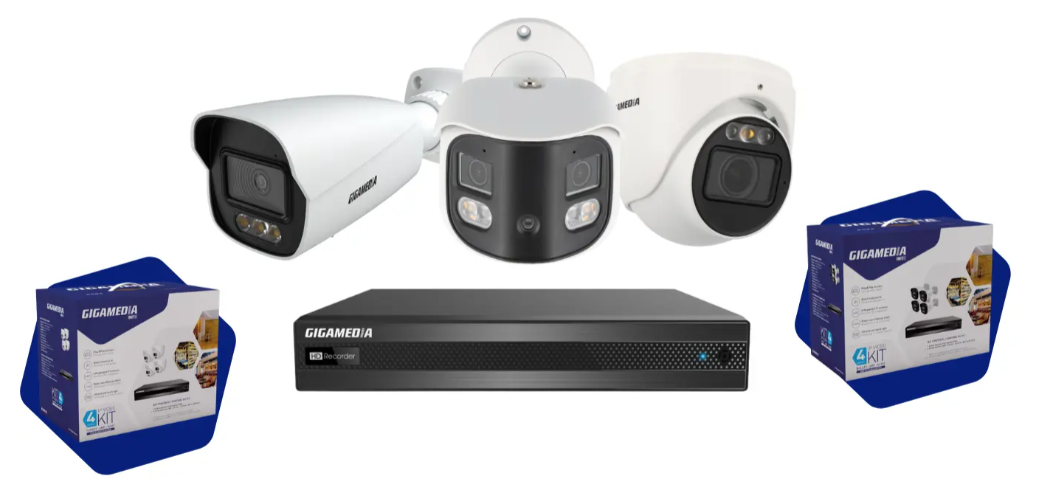
Via GUI
1) Prerequisite
- Connect a monitor (HDMI or VGA) directly to the back of the recorder
- Plug a USB mouse into the NVR
- Log in with admin account (Menu Bar at the bottom left)
2) Playback Menu
In the Menu Bar, find the Playback button
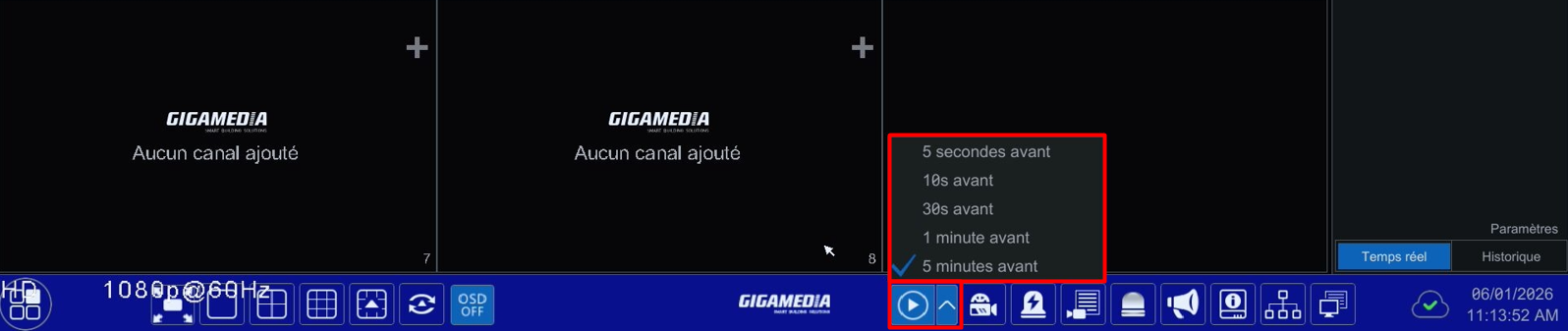
Quick playback allows you to jump directly to the last few minutes of the recording
On hte right, a graph appears showing the hours of the day.
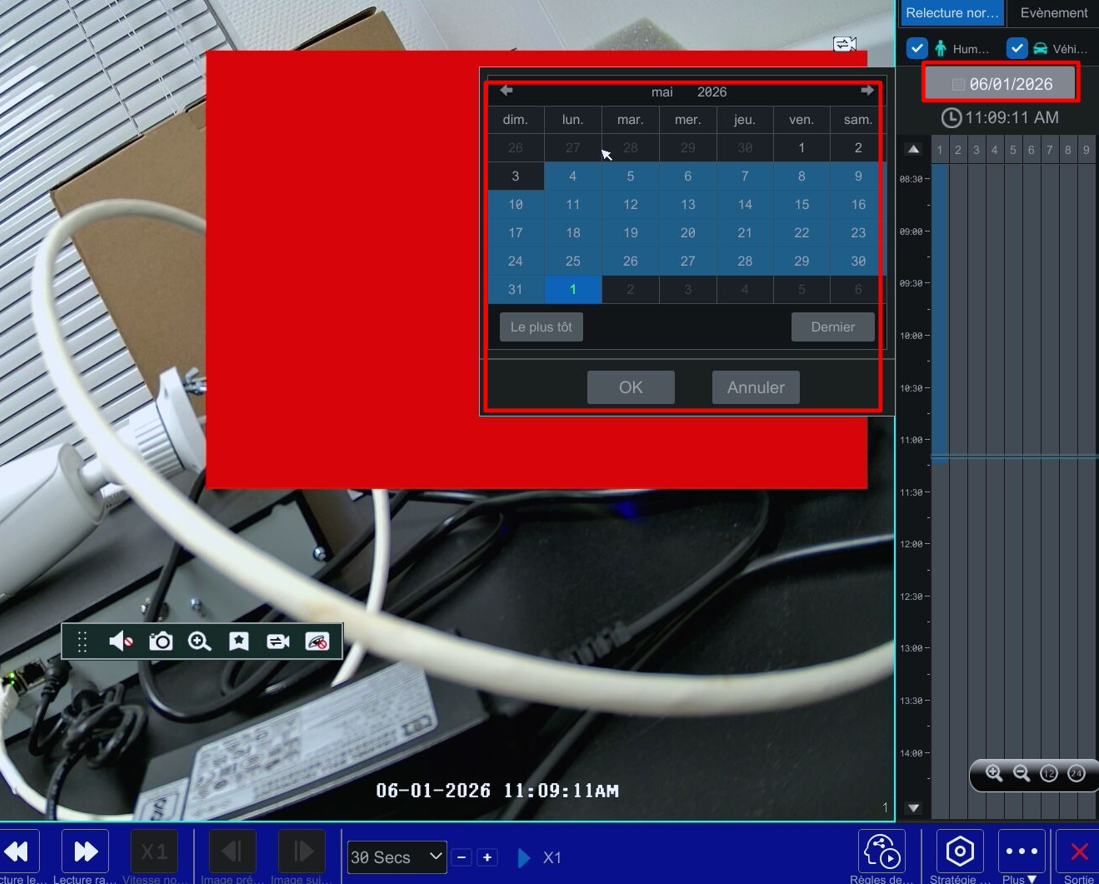
By choosing the date in the calendar, you will have the option to replay the moment you want according to the day you want.
Warrning: The number of days of recording will vary depending on the number of cameras and the capacity of your hard drive
2) Video Extraction (on USB key)
Plug a USB flash drive into one of the recorder's USB ports.
Select the start range / end range you want to extract
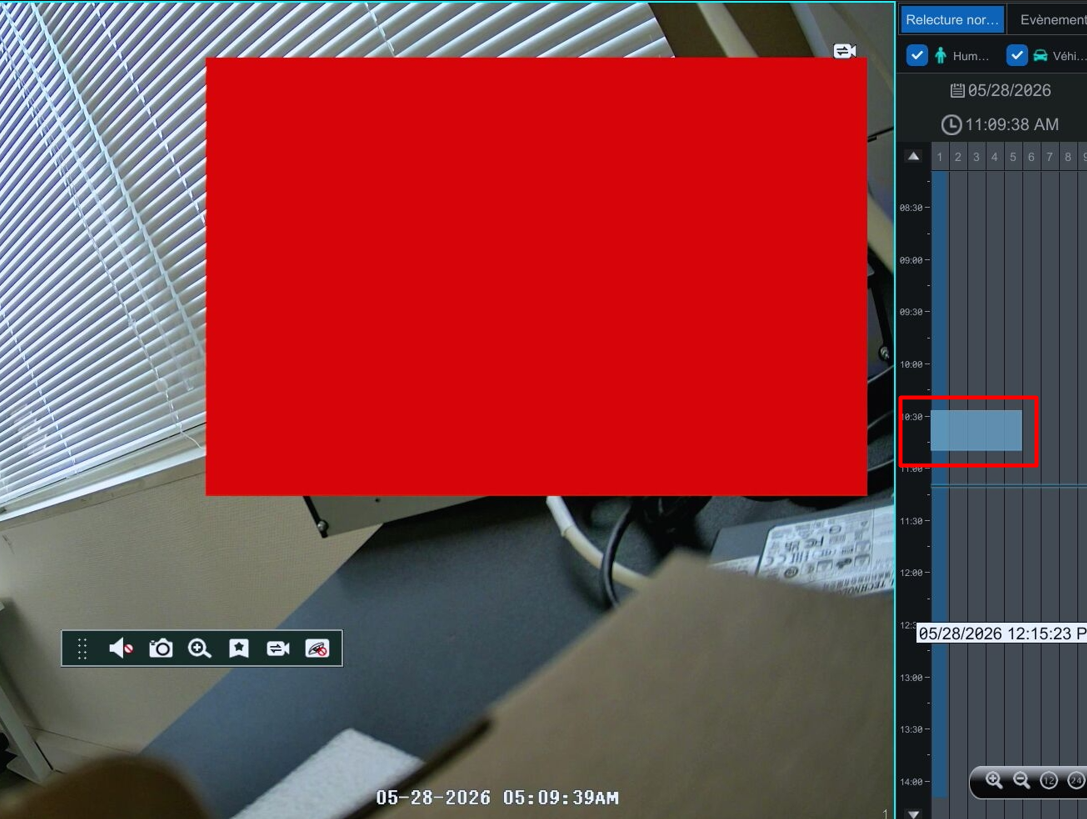
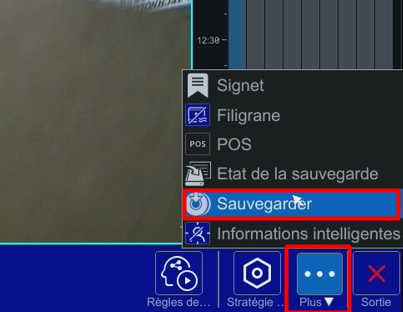
Click the More button ... (ebottom right) then choose SAVE.
Select the USB flash drive and the backup folder then click on Backup
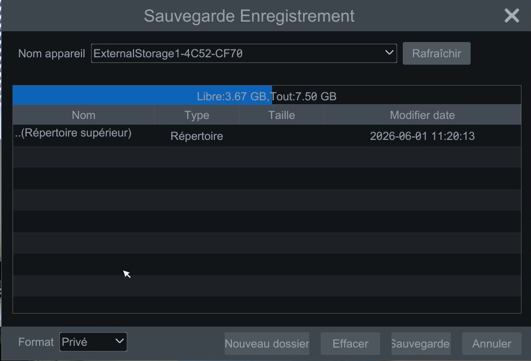
Possibility to enable video encryption
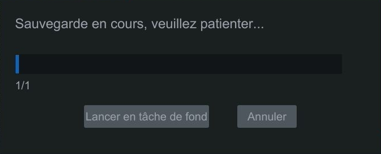
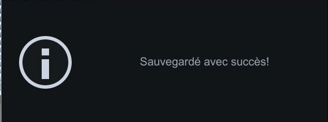
Backup contents
2 folders are created :
- 1 folder containing the video file(s). It's a proprietary format
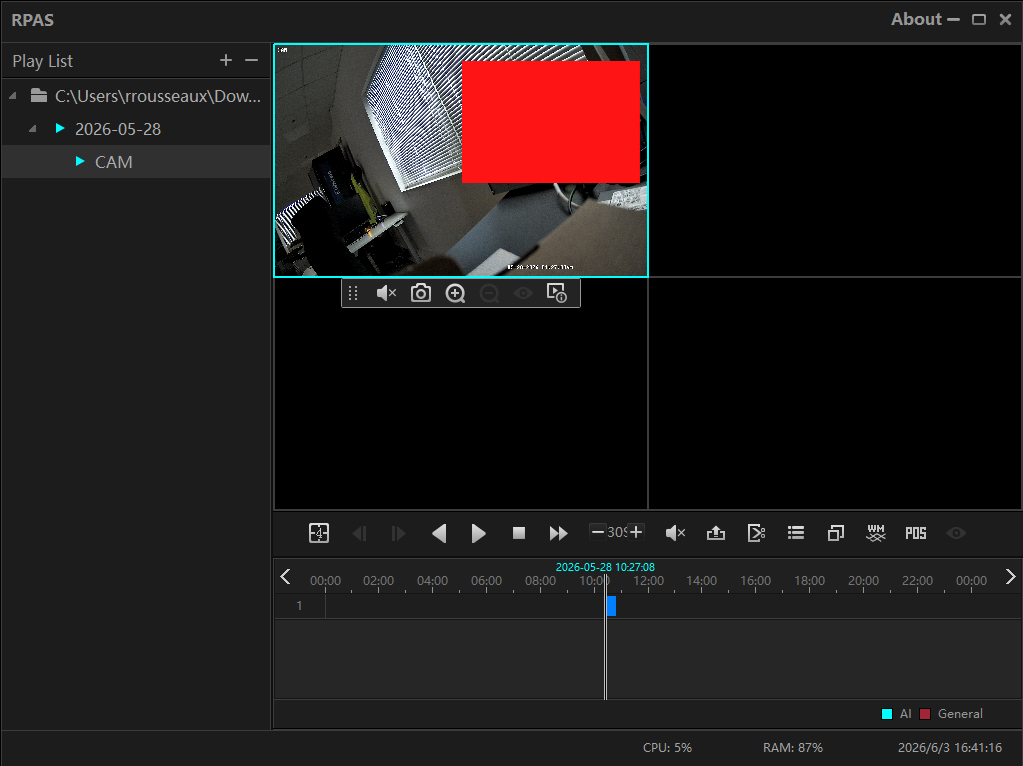
- 1 dfolder named RPAS that contains the video player (RPAS;exe) needed to play the file correctly
Bouton + Button to add your folder with the video file(s) then the video starts :
Was this article helpful?
That’s Great!
Thank you for your feedback
Sorry! We couldn't be helpful
Thank you for your feedback
Feedback sent
We appreciate your effort and will try to fix the article