Valid for the following references:
- GGM NVA321604MR
- GGM NVA320002MR
- GGM NVA320004MR
- GGM NVA160002R
- GGM NVA161602R
- GGM NVP2560016MR
- GGM NVP1280016MR
- GGM NVP640016MR
- GGM NVS160001D
- GGM NVS080801D
- GGM NVS040401D
- GGM NVI080801D
- GGM NVI040401D
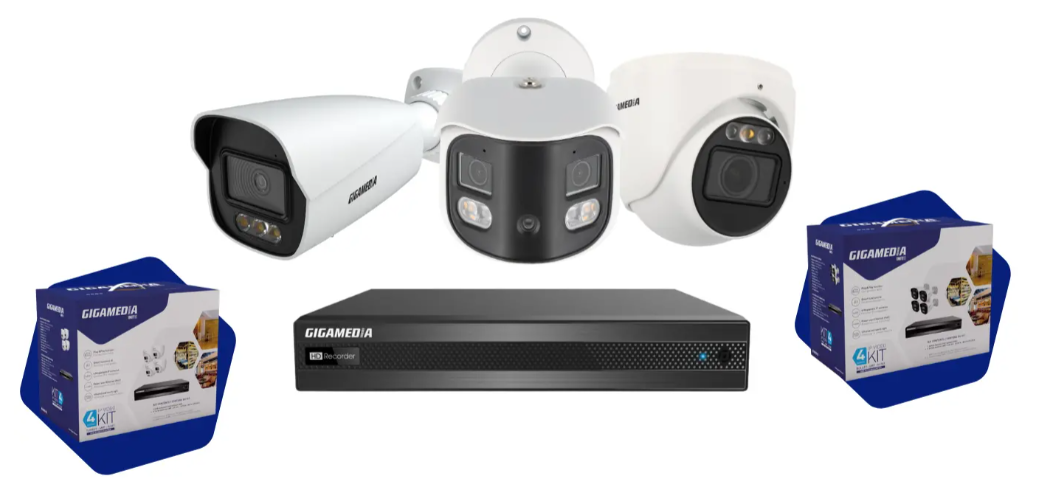
The 2026 series recorders are designed to automatically support cameras manufactured between 2021 and 2025; in most cases, you simply need to connect the camera to a POE port on the NVR.
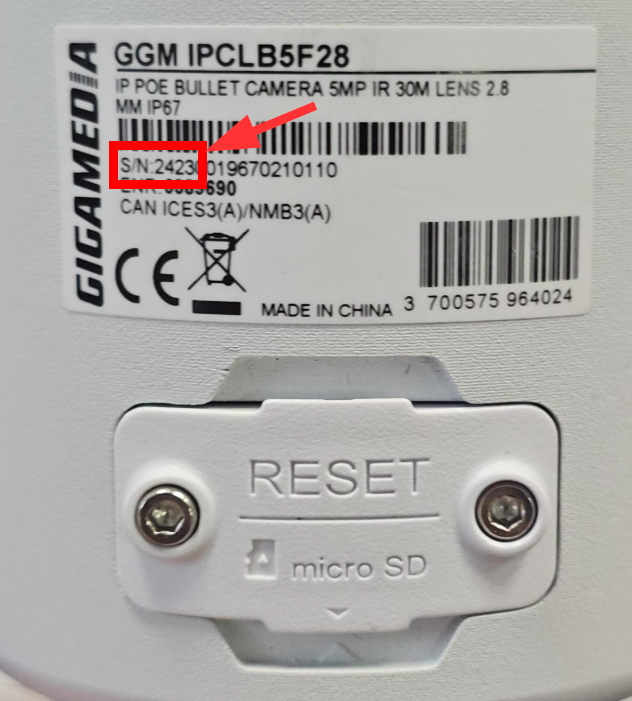
You can identify the year of manufacture on the camera label. In the serial number shown below, the first four digits indicate 2423; the 23 stands for 2023.
2421 stands for 2021
2422 stands for 2022
Please note:
2026 recorders automatically add 2021–2025 cameras connected via direct PoE if they are new and/or set to automatic IP (DHCP).
The camera must have the default password "admin123".
The camera must be in the same IP range as the recorder if connected via a PoE switch.
These 2021-2025 cameras will be added as ONVIF devices with motion detection only.
Automatic method:
New camera, default setting: automatic IP
Connect the camera to a PoE port on the recorder.
Check in System > POE Settings that the port is supplying power in W.
Wait a few minutes for the recorder to activate and add the camera.
Manual method (local network):
New camera on local network with local IP:
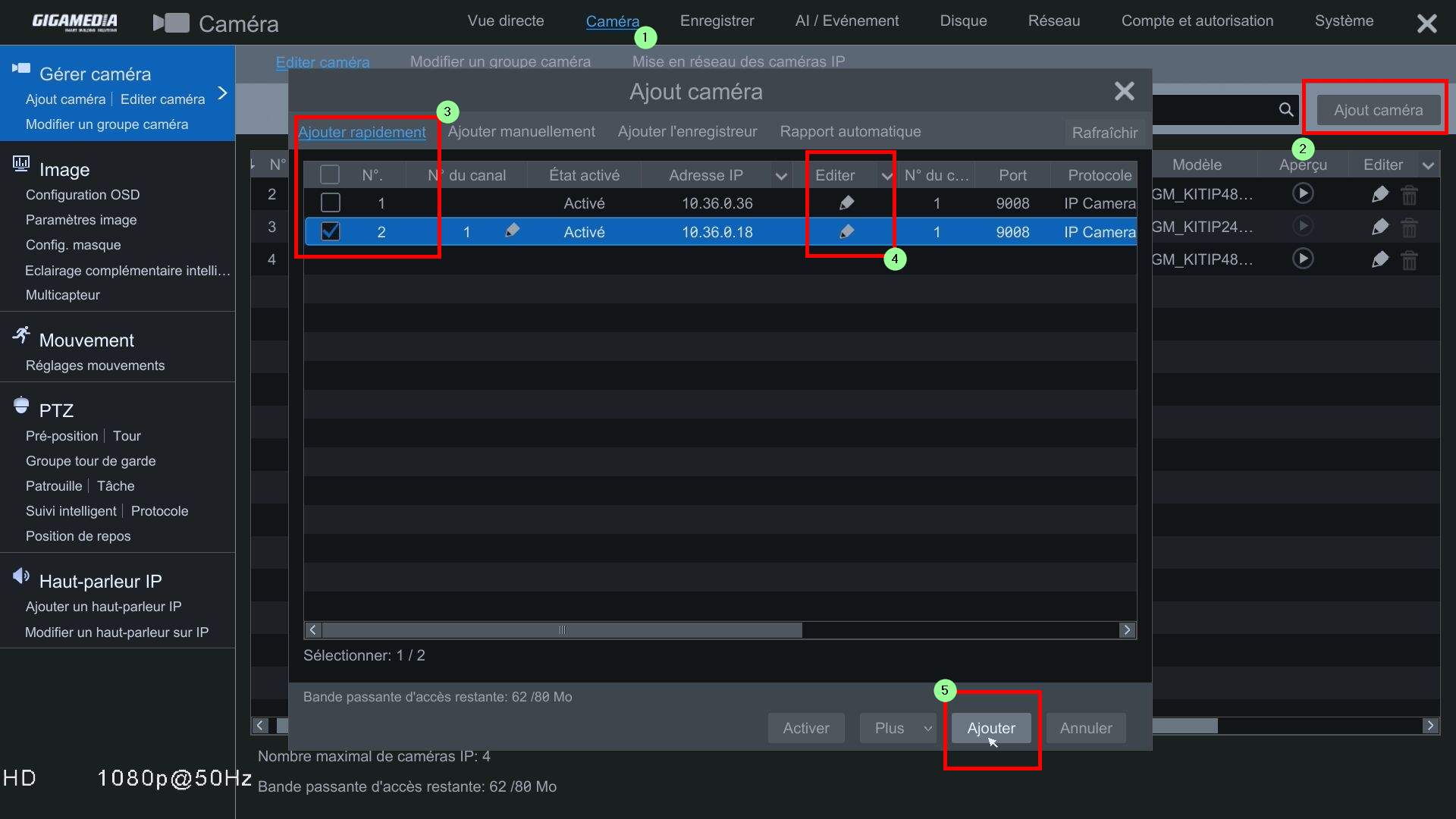
Go to the Camera menu > Add Camera > Quick Add.
Select the camera to add > click the Edit pencil icon to change the password.
Enter the camera’s password. (default: “admin123.”) Then test or add.
Was this article helpful?
That’s Great!
Thank you for your feedback
Sorry! We couldn't be helpful
Thank you for your feedback
Feedback sent
We appreciate your effort and will try to fix the article