When you configure the control panel with one of the methods (GGM ACS or ACS Web), it locks to the method used and it is no longer possible to change the configuration mode.
For example, if you configured the control panel via GGM ACS, you will not be able to configure it later via ACS Web — it will remain locked to the GGM ACS configuration, and vice versa.
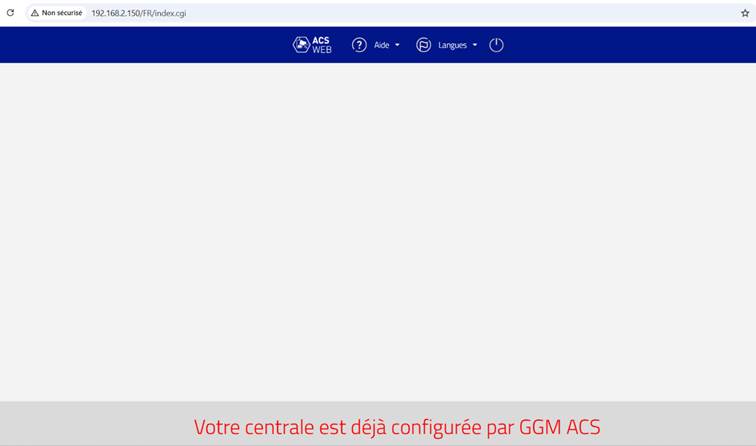
However, if you still want to change the method, you will need to reset the control panel.
To reset the control panel:
- Cut the power.
- Hold the switch down while restoring power.
- Wait for the blue LED of the expansion bus to light up (about 10 seconds) while keeping the switch held down.
- Release the switch.
Once the control panel has been reset, you will be able to choose between the two configuration methods again.
please find below the link for the reset methods
Was this article helpful?
That’s Great!
Thank you for your feedback
Sorry! We couldn't be helpful
Thank you for your feedback
Feedback sent
We appreciate your effort and will try to fix the article