Reference compatible :
GGM PAMD120S3
GGM PAKIT4S
When deploying the amp on-site, if your device does not detect any radios and, after a search for FM stations, the scanned frequency does not exceed approximately 90–95 MHz without any station being found,
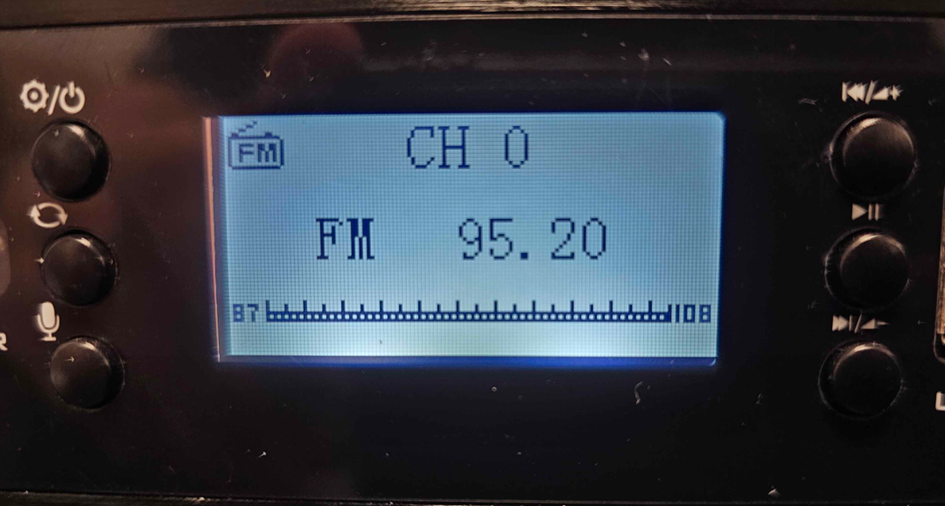
It is possible that the sensitivity of your device is incorrect. To fix this, you will need to perform an update.
- Prepare a USB drive formatted in FAT32.
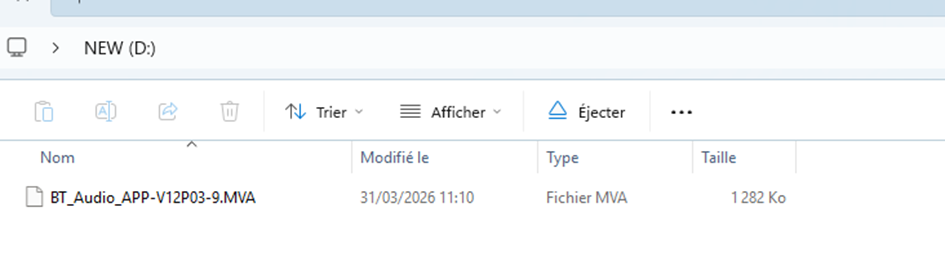
- Copy the update file (attached file at the bottom of the page).
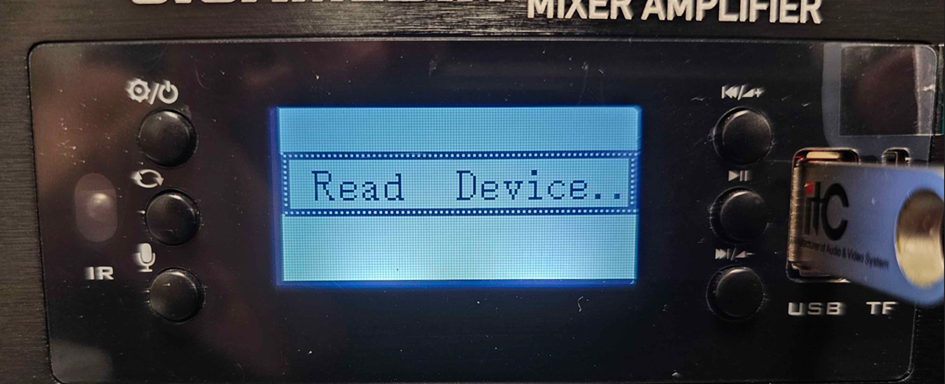
Then plug your USB drive into the USB port on the device. The screen should show "Read Device..". Wait a few seconds: the device will restart automatically.
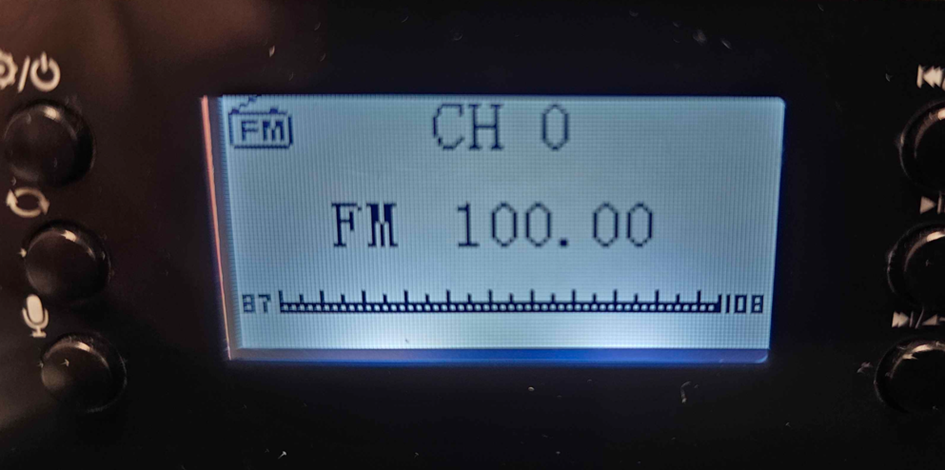
Restart a search for FM stations: the device will now scan up to about 100–107 MHz and should allow radio reception
Was this article helpful?
That’s Great!
Thank you for your feedback
Sorry! We couldn't be helpful
Thank you for your feedback
Feedback sent
We appreciate your effort and will try to fix the article